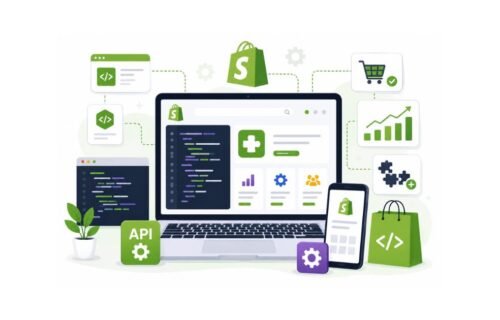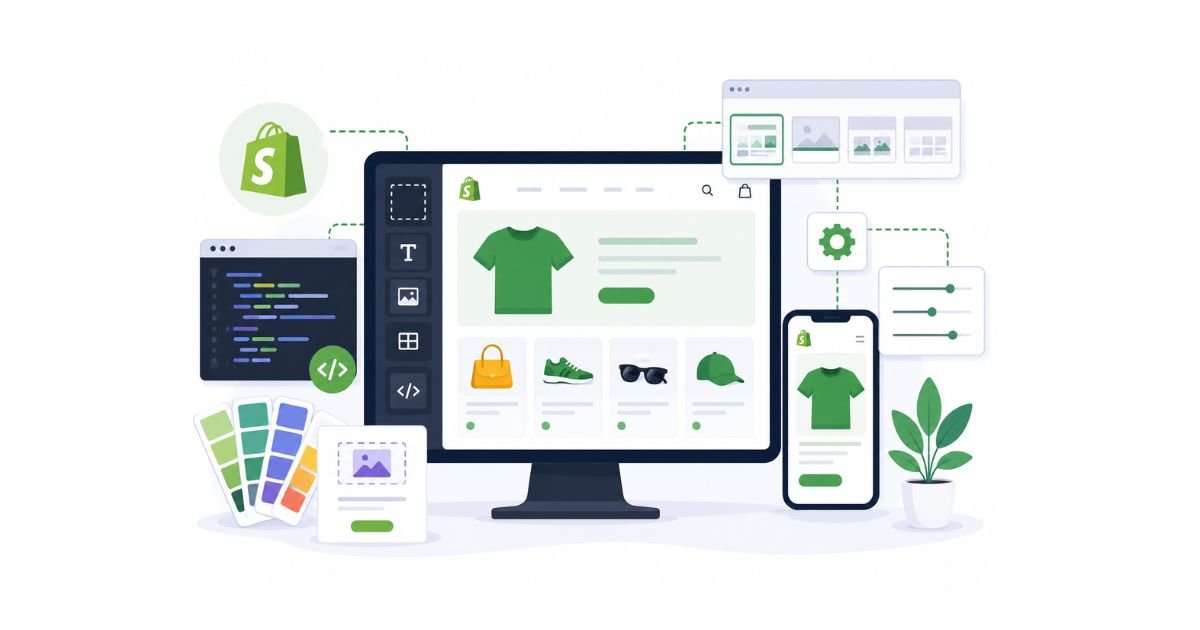
Shopify theme development is the process of creating, customizing, and optimizing the design and functionality of a Shopify store. It involves building custom themes from scratch or modifying existing themes to improve branding, user experience, store performance, and conversions.
Key Takeaways
- Shopify theme development helps businesses create unique and branded ecommerce experiences.
- Custom themes provide greater flexibility than pre-built themes.
- Shopify themes are built using Liquid, Shopify’s templating language.
- Proper theme development improves user experience, performance, and conversion rates.
- Businesses can customize existing Shopify themes or build entirely custom solutions.
- A well-developed theme supports long-term ecommerce growth and scalability.
Your Shopify theme is more than just the visual appearance of your online store. It directly impacts how customers interact with your brand, navigate products, and complete purchases.
Many businesses start with a pre-built Shopify theme because it offers a quick and affordable way to launch an online store. However, as brands grow, they often discover the limitations of standard themes and begin exploring custom Shopify theme development.
A professionally developed Shopify theme can improve user experience, strengthen brand identity, increase conversion rates, and provide greater flexibility for future growth.
Whether you’re a business owner looking to improve your store or a developer interested in Shopify customization, understanding Shopify theme development is an important part of modern ecommerce development.
What Is Shopify Theme Development?
Shopify theme development is the process of building, customizing, and optimizing Shopify themes to control the appearance, layout, and functionality of an online store.
A Shopify theme determines:
- Store design
- Product page layout
- Navigation structure
- Mobile responsiveness
- Checkout experience
- Customer interactions
Theme development allows businesses to move beyond generic templates and create shopping experiences tailored to their audience.
What Does Shopify Theme Development Include?
- Theme installation
- Theme customization
- Custom theme creation
- User interface improvements
- Mobile optimization
- Performance optimization
- Custom functionality integration
- Ongoing maintenance
The goal is to create a store that looks professional and converts visitors into customers.
Why Shopify Themes Matter for Ecommerce Success
A Shopify theme directly influences user experience, brand perception, and conversion rates.
Customers often form an opinion about a website within seconds of landing on it. A poorly designed theme can increase bounce rates, while a well-designed theme can improve engagement and sales.
Benefits of a Well-Designed Shopify Theme
Stronger Brand Identity
Custom themes help businesses create a unique visual presence.
Better User Experience
Clear navigation and intuitive layouts make shopping easier.
Higher Conversion Rates
Optimized themes guide customers toward completing purchases.
Improved Mobile Performance
Mobile-friendly themes support the growing number of mobile shoppers.
Faster Website Speed
Performance-focused themes contribute to better customer experiences and SEO performance.
Understanding Shopify Theme Architecture
Shopify themes are built using a combination of Liquid, HTML, CSS, JavaScript, and JSON templates.
Understanding the structure of a Shopify theme helps businesses and developers make informed customization decisions.
Core Shopify Theme Components
| Component | Purpose |
| Liquid Files | Dynamic content rendering |
| Templates | Page structure |
| Sections | Reusable page components |
| Snippets | Reusable code blocks |
| Assets | CSS, JavaScript, and images |
| Config Files | Theme settings and customization |
These components work together to create flexible and scalable storefront experiences.
How to Build a Shopify Theme From Scratch
Building a Shopify theme from scratch gives businesses complete control over store design, functionality, and user experience.
Step 1: Define Store Requirements
Before development begins, identify:
- Business goals
- Target audience
- Product catalog structure
- Design preferences
- Required functionality
Planning reduces development challenges later.
Step 2: Create Wireframes
Wireframes help visualize:
- Homepage layout
- Product pages
- Collection pages
- Navigation structure
This stage focuses on user experience before coding begins.
Step 3: Design the User Interface
Create designs that align with:
- Brand identity
- Customer expectations
- Conversion goals
Consistency across all pages is essential.
Step 4: Develop the Theme
Developers build the theme using:
- Liquid
- HTML
- CSS
- JavaScript
This stage transforms designs into a functional storefront.
Step 5: Test Across Devices
Testing ensures:
- Mobile responsiveness
- Browser compatibility
- Performance optimization
- Functional consistency
Step 6: Launch and Optimize
After deployment, ongoing optimization helps improve performance and customer experiences.
How to Customize an Existing Shopify Theme
Theme customization allows businesses to modify an existing Shopify theme without building a completely new theme.
Customization is often a cost-effective solution for growing brands.
Common Customizations
- Homepage redesign
- Product page enhancements
- Navigation improvements
- Custom sections
- Branding updates
- Checkout optimizations
Businesses can achieve significant improvements without replacing their entire theme.
Essential Shopify Theme Components
A successful Shopify theme includes several critical elements.
Homepage
The homepage should:
- Showcase products
- Highlight promotions
- Communicate brand value
- Collection Pages
These pages help customers browse products efficiently.
Product Pages
High-converting product pages typically include:
- Quality images
- Product descriptions
- Reviews
- Pricing details
- Clear calls-to-action
Search Functionality
Customers should easily find products through intuitive search experiences.
Mobile Experience
Mobile optimization remains essential for ecommerce success.
Common Shopify Theme Development Mistakes
Many businesses make avoidable mistakes during theme development.
Prioritizing Design Over Performance
Visually impressive themes should still load quickly.
Ignoring Mobile Users
Mobile experiences directly impact conversions.
Overcomplicating Navigation
Customers should be able to find products quickly.
Excessive App Dependence
Too many apps can slow down website performance.
Neglecting SEO Considerations
Themes should support:
- Fast loading speeds
- Clean code
- Structured content
- Search visibility
Avoiding these mistakes improves long-term performance.
Need a Custom Shopify Theme?
Whether you’re launching a new Shopify store or redesigning an existing one, a custom theme can help create a unique shopping experience that supports growth and conversions.
Shopify Theme Development Best Practices
Following best practices helps businesses create themes that are fast, scalable, and user-friendly.
Keep the Design Clean
Simple layouts often provide better user experiences.
Optimize Images
Compressed images improve loading speeds.
Prioritize Mobile Responsiveness
Every element should function properly on mobile devices.
Use Reusable Sections
Flexible sections make future updates easier.
Focus on Accessibility
Accessible designs improve usability for all visitors.
Minimize Unnecessary Code
Efficient code contributes to better performance.
Shopify Theme Performance Optimization Tips
Website performance directly affects customer satisfaction and revenue.
Optimization Strategies
- Compress images
- Reduce JavaScript usage
- Optimize CSS files
- Implement lazy loading
- Minimize third-party scripts
- Use efficient theme architecture
A faster store often results in better user engagement and conversions.
Custom Shopify Theme vs Pre-Built Theme
Businesses frequently compare custom themes with ready-made solutions.
| Feature | Custom Theme | Pre-Built Theme |
| Branding | High | Limited |
| Flexibility | High | Moderate |
| Development Time | Longer | Faster |
| Cost | Higher | Lower |
| Scalability | High | Moderate |
| Unique User Experience | Excellent | Limited |
The right choice depends on business goals, budget, and customization needs.
Who Should Invest in Custom Shopify Theme Development?
Custom Shopify theme development is ideal for businesses seeking greater control over branding, user experience, and ecommerce performance.
Growing Ecommerce Brands
Brands looking to differentiate themselves from competitors.
High-Traffic Stores
Businesses requiring advanced performance optimization.
Premium Product Businesses
Companies that rely heavily on brand presentation.
Businesses Planning Long-Term Growth
Custom themes provide flexibility for future expansion.
Future Trends in Shopify Theme Development
The Shopify ecosystem continues to evolve.
AI-Powered Personalization
Personalized shopping experiences are becoming increasingly important.
Headless Commerce
Businesses are adopting headless architectures for greater flexibility.
Faster Storefront Experiences
Performance remains a top priority.
Enhanced Mobile Commerce
Mobile-first design strategies continue to shape theme development.
Interactive Shopping Experiences
Dynamic content and immersive user experiences are gaining popularity.
Expert Insight
Many businesses assume a custom Shopify theme is only about aesthetics. In reality, successful theme development focuses equally on user experience, performance, scalability, and conversions. A visually appealing store that loads slowly or creates friction during checkout can negatively impact revenue. The most effective Shopify themes balance design and functionality to create seamless shopping experiences.
People Also Ask
What is Shopify theme development?
Shopify theme development is the process of creating, customizing, and optimizing themes to improve the appearance and functionality of Shopify stores.
Can I build a Shopify theme from scratch?
Yes. Developers can create custom Shopify themes using Liquid, HTML, CSS, JavaScript, and Shopify’s theme architecture.
Is a custom Shopify theme worth it?
A custom theme can improve branding, user experience, scalability, and conversions, making it valuable for growing businesses.
What programming language does Shopify use?
Shopify themes primarily use Liquid along with HTML, CSS, JavaScript, and JSON templates.
How long does Shopify theme development take?
Timelines vary depending on complexity, customization requirements, and project scope.
Ready to Build a Custom Shopify Theme?
Create a unique Shopify store that reflects your brand, improves user experience, and drives more conversions with professional Shopify theme development services.
Frequently Asked Questions
A Shopify theme controls the design, layout, and functionality of an online store.
Yes. Existing Shopify themes can be customized to align with branding and business requirements.
Custom themes can support SEO by improving performance, mobile responsiveness, and user experience.
Most modern Shopify themes are responsive, but custom optimization may further improve mobile performance.
The best choice depends on your business goals, budget, and customization requirements.